
Cms Handling in Actions
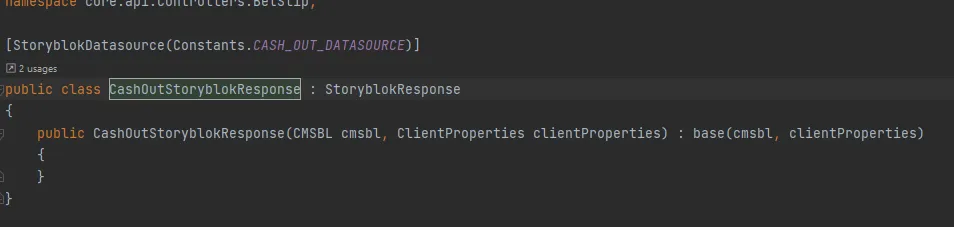
Begin by creating a custom attribute inheriting from StoryblokReponse. Make sure to add the StoryblokDatasource attribute and pass the required datasource.
Decorate the action method with the attribute
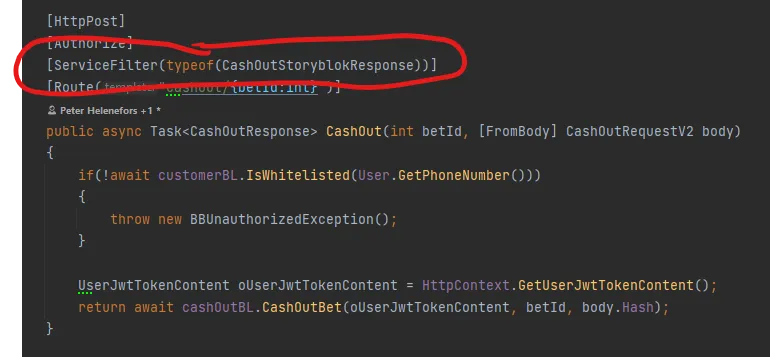
The above two steps will send the returned object through a filter that “translates” specific properties with CMS content.
To define what should be translated. Add the attribute StoryblokTranslate to any properties that require translation.
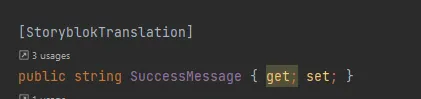
When a property is missing a translation in Storyblok. The client will get the following text in the property:
{ "SuccessMessage": "Add or change in Storyblok. Name = [request_in_progress]"}In this example request_in_progress is the value passed to the object before it’s returned from the action method. This enables us to set the name of the datasource in runtime.